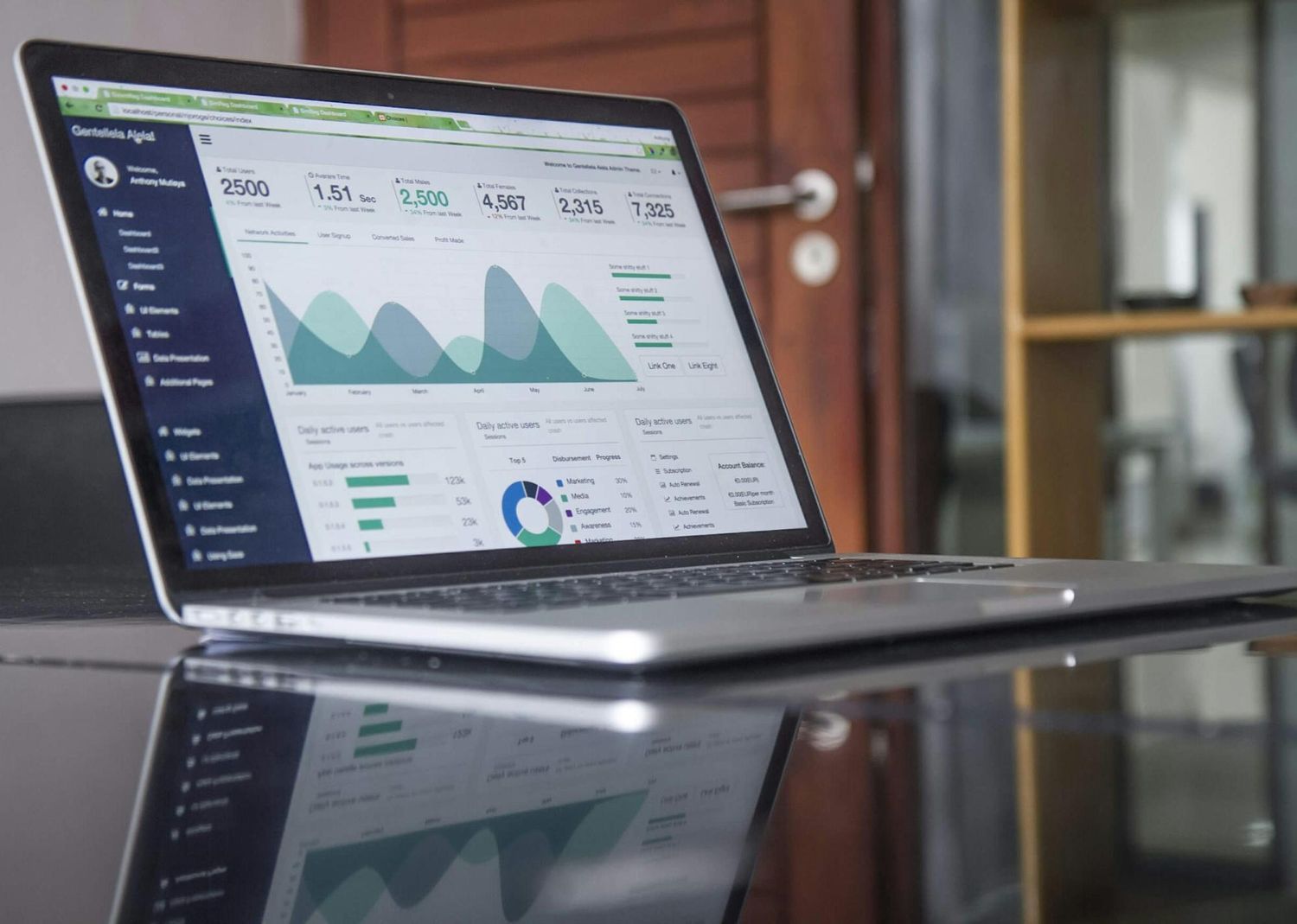


Managing an aged care facility in Australia requires attention to detail. You must track resident health, manage staff rosters, and report heavily to government bodies. One of the specific requirements you face is the Market Operation Assessment (MOA). This benchmarking process helps you understand your performance compared to others. However, gathering the data for this can become a heavy burden if your software does not talk to each other.
This is where data integration aged care becomes important. Instead of manually typing numbers from one screen to another, you can set up a system where information moves automatically. This article looks at how you can bridge the gap between your MOA benchmarking needs and your current software.
Key Takeaways
- Manual data entry creates errors and wastes valuable staff time.
- Connecting your systems allows for automatic updates for MOA benchmarking.
- Legacy software often presents technical barriers that you must identify early.
- A unified system offers a clearer view of facility performance.
The State Of Care Management Systems Today
Most facilities use specific software to handle daily tasks. You likely have care management systems that track clinical notes, medication, and incident reports. You might also have separate finance software and another tool for HR.
When these systems operate in isolation, you face several problems:
- Double Handling: Staff must enter the same resident details into multiple programs.
- Data Errors: Every time someone re-types a number, the risk of a mistake increases.
- Delayed Reporting: You cannot see a real-time view of your performance because reports take days to compile.
- Staff Burnout: Nurses and administrators spend hours on paperwork instead of resident care.
The goal is to move away from these isolated islands of data. You need a central approach where information flows without constant human effort.
Benefits Of Data Flow Automation
The answer to these isolated systems is data flow automation. This process connects your MOA platform directly with your clinical and administrative tools. When a change happens in one place, it reflects in the other.
Implementing automation offers distinct advantages for your facility:
- Accuracy: Computers do not make typing errors. The data sent for benchmarking is exactly what is in your source system.
- Time Savings: Your team can stop spending hours on monthly or quarterly data collection.
- Better Insights: With automatic updates, you can check your benchmarking status weekly or even daily, rather than waiting for a quarterly report.
- Regulatory Readiness: When auditors or government bodies ask for data, you can produce it instantly.
By removing the manual work, you allow your clinical leaders to focus on analyzing the results rather than gathering the numbers.
Addressing Interoperability Challenges
While the benefits are clear, the path to integration is not always simple. You will likely face interoperability challenges. This term refers to the ability of different computer systems to exchange and make use of information.
In the Australian aged care sector, these challenges often include:
- Legacy Systems: Many facilities still run older software that does not have modern connection points (APIs).
- Inconsistent Data Formats: One system might record a date as DD/MM/YYYY, while another uses MM/DD/YYYY.
- Security Concerns: You must verify that data remains secure while moving between platforms.
- Vendor Cooperation: Sometimes, software providers are hesitant to open their systems to third-party tools.
To overcome these hurdles, you must assess your current IT infrastructure. Identify which systems are modern and capable of connection, and which ones might need an upgrade or a "middleware" solution to translate the data.
How Governa AI Supports Your Strategy
Governa AI works to simplify this process for you. The platform is designed to handle the complexities of MOA benchmarking by accepting data from various sources.
Governa AI assists your facility in the following ways:
- Centralized Dashboard: It pulls metrics together so you can see your performance in one place.
- Automated Collection: It reduces the need for manual inputs by working with your existing data structures where possible.
- Standardization: The system helps convert your raw data into the standard formats required for accurate benchmarking.
- Secure Processing: All data handling follows strict security protocols to protect resident privacy.
By using a tool designed for this purpose, you reduce the technical burden on your internal IT team.
Conclusion
The demand for accurate reporting in Australian aged care will not decrease. To keep up, you must look for ways to work smarter. Adopting a data integration aged care strategy is a logical step. It removes the manual labor of data entry and improves the accuracy of your MOA benchmarking.
When you connect your care management systems through automation, you gain more than just time. You gain the ability to make fast, informed decisions based on reliable data. This leads to better operations and, ultimately, better care for your residents.
Frequently Asked Questions
How do I start integrating my systems?
Begin by listing all the software you currently use. Identify which programs hold the data needed for MOA benchmarking. Contact your software vendors to ask if they have an "API" or a way to export data automatically.
Is data integration expensive?
The cost varies based on the age of your systems. However, you should compare the initial cost against the ongoing cost of staff hours spent on manual data entry. Often, automation saves money in the long run.
Is my data safe during the transfer?
Yes, provided you use secure methods. Modern integration uses encrypted channels to move information. You should always confirm security protocols with any vendor you choose to work with.
What if my current software is very old?
If your software cannot connect to other systems, you may need a workaround. This could involve exporting reports to Excel and uploading them, or using a special connector tool. In some cases, it may be time to consider upgrading to modern software.